The Only Tool You Need For Planning AMAZING Content: Part 2

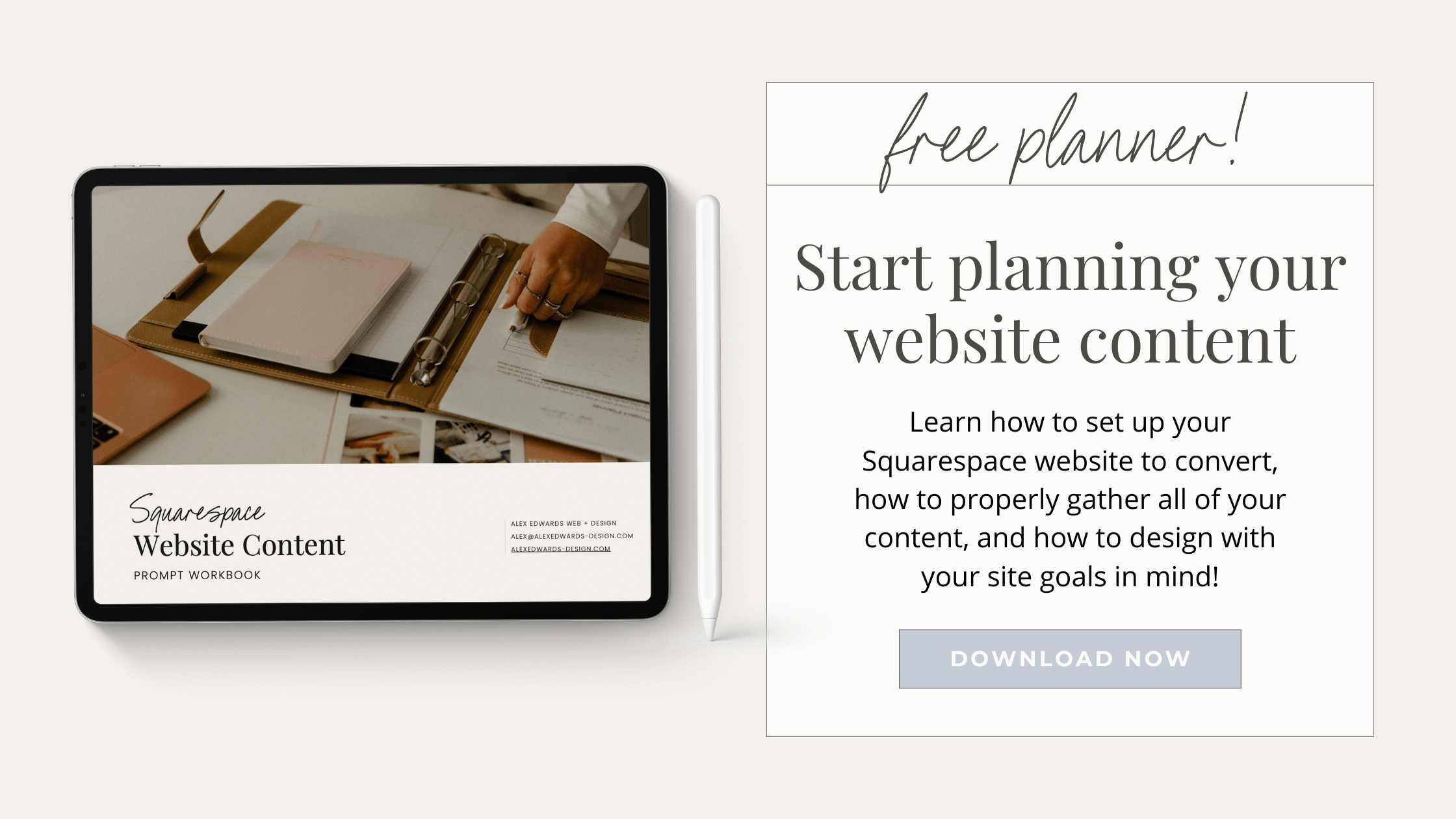
Are you ready to take your website content planning to the next level? Then it's time for a deep dive into the Squarespace Website Content Prompt Workbook!
In Part 2, we'll explore the workbook sections in detail and look at how they can help you create a website with content that converts. This guide has got everything from brainstorming to preparing the content plan for your website designer! Let's jump in.
Workbook Overview
To set you up for success, I organized this workbook for simple navigation and easy conversion into a document for editing and sending. Just fill out the document, add the info to your favorite word processor, and format it as desired.
Inside the workbook, you'll find five sections to fill out: The Research, The Details, Page Prompts, Additional Content, and Bonus (Preparing Your Content Plan For A Web Designer)--each designed to help you plan an amazing website.
Just remember, it's not one-size-fits-all. You'll find plenty of content that applies to your website, but you may find pieces you don't need or some you do need that aren't included. That's the beauty of creating your own document with this as a guide-- you can customize it to your brand's needs.
The Research
The first section of the workbook is the information that you'll need to know to create a cohesive site. It includes space to define your website's purpose and goals, identify your target audience, and explore options for website setup and navigation.
This section is crucial to creating compelling content, so set aside time to do this part thoroughly. When you know what your goals are and who your audience is, you'll know exactly what your website needs.
In other words, completing this section first will make the next steps much simpler!

The Details
The domain name, back-end information, and SEO description are essential elements of any website's content. They also have a reputation for being complicated or boring.
But with the Squarespace Website Content Prompt Workbook, you'll be able to gather the information you need quickly, even if this is the first website you’ve created.
I will walk you through details like:
What a domain is
What Delegate Access is and why you may need it
Back-end information you'll need when you create your site
What an SEO Description is
Tips for your SEO Description and examples from well-known companies
With this section complete, you or your designer will have everything they need to set up your website.
Page Prompts & Additional Content
Once you have the basics taken care of, it's time to plan out your content. The Squarespace Website Content Prompt Workbook will help you do that in a comprehensive and organized way.
You'll find prompts for all the pages you need on your website and additional content you may want to include. With this section complete, you'll have hashed out the details, so you know exactly what needs to be written for each page.
You'll start with your Home Page and About Page. Each box includes a short prompt or description of the information you'll need. The Services section is next and has a similar set-up but adds space to outline the details of multiple services, along with pricing, images, and more.
If your website includes a shop, you will love the Shop section of this guide. With six pages of information, tips, and prompts, it covers:
Basic shop settings and tips for choosing them
Shipping options, complete with a convenient comparison chart to help you determine the right option for your business
Checkout settings with prompts for creating store policies
Notification customization with prompts and examples
Product information and details
In this section, you'll also find a place for blog details and a contact page. The Additional Content Section continues with Squarespace-specific content, such as announcement bars and Coming Soon pages, and the prompts you'll need to create those.
Finally, there are ideas for additional pages you may want to include, along with suggestions for content in those areas. Add these to your final document to let your website designer know exactly what you're looking for.
BONUS - Preparing Your Content Plan For A Web Designer
Once your content plan is complete, the last step is preparing it for a designer or developer. Every web designer and copywriter will have different preferences for receiving content, so keep that in mind. These are my bonus tips for how I prefer to receive information from clients, and it’s a great jumping-off point for any professional.
You'll find an example of how to set up a folder content system for Dropbox or Google Drive, as well as examples of how to format your documents for clear communication.
Getting Started
Creating a successful website that meets all of the needs of both you and your audience can seem daunting. But by using The Squarespace Website Content Prompt Workbook, you'll be prepared with all the information necessary to start the process confidently.
From SEO descriptions and page prompts to tips for formatting for designers, this workbook has it all – so use it to ensure that every aspect of your website content plan is taken care of.
Remember to download your FREE workbook today: Click Here!
And if you have any questions or want additional help, please don't hesitate to contact me!

Ready to Get Started?
I'm a Squarespace expert, and I can help you create a website that you and your clients will love. Click here to learn more about my services, or contact me to get started today. I offer various services, from customizable templates to a completely custom website build.
And the best part? I'll help you every step of the way. You won't have to worry about a thing -- except how you're going to handle all the new business you're about to get!
♡ Alex E.