What to know about Squarespace’s NEW Fluid Engine (from a Squarespace Pro)

It’s no secret that Squarespace loves to make amazing website design + essential functions accessible to all business owners - the platform's simplicity makes it stand out from the rest!
Today, Squarespace launched Fluid Engine - a new content editing system that allows you to drag and drop elements anywhere on your version 7.1 website. (I know - AMAZING!) While this is a total game changer for business owners & website designers, you should know a few things as your site transitions from the classic editor to Fluid Engine!
What exactly is Fluid Engine??
How Squarespace sums it up:
“Fluid Engine is our newest drag-and-drop editor that helps you intuitively position and resizes blocks on a grid. This means you can easily add, move, and adjust site elements with simplified axis management on both desktop and mobile. Grid sections stack to create a site canvas, unlocking even more creative freedom via layout on any page, footer, and portfolio sub-page.”
Top 3 features of Fluid:
Total Customization: you really have all the control here. Overlap blocks, resize, arrange and move all without custom CSS code
Easy-peasy: Fluid is relatively easy to navigate for newbies or website DIYer’s
Custom mobile layout: YES PLEASE - you can totally revamp your mobile layout separate from desktop (con to this would be that in classic editor everything snaps into place to be mobile-friendly, be sure to edit your section on mobile after you set up the desktop design)

Who gets the Fluid Engine?
Squarespace has announced that all new 7.1 sites will have the Fluid feature enabled. Existing 7.1 sites will only be able to add new Fluid Engine sections - the rest of their site will stay classic editor sections. Current 7.0 sites (& older) will not be able to add Fluid Engine sections.
What you need to know:
Fluid allows you to:
Drag and drop block anywhere on a responsive grid sections
Make mobile layout edits that don't reflect on desktop
Move blocks without disrupting your whole layout
Resize content by simply dragging corner handles
Layer blocks and site elements
Select multiple blocks and move them as a group
Stretch content full-bleed, edge-to-edge
Fill background colors on text-heavy blocks (& adjust the radius of corners)
Set images to fill their container or retain original dimensions
Fluid Engine is FREE & is automatically rolling out to existing 7.1 users.
Existing 7.1 users can Upgrade current classic editor sections to fluid engine, here are a few tips when converting current sections:
ALWAYS duplicate the section BEFORE converting to Fluid Engine, just in case you don’t like it or existing code is affected.
Converting the section may break the current layout or affect existing custom CSS code from your designer, if you aren’t sure - check with your web designer or just duplicate the section to keep a classic editor version.
Please note that some areas of your site will still use the classic editor, including blog posts, event descriptions, and additional product information.
Squarespace Pro opinion:
I’ve had the Fluid Engine since April 2022 - its definitely amazing with the amount of design freedom you can achieve, here are a few tips for moving forward:
Keep sections less than 100 rows, I’ve experienced a delay in shortening the section height when the section is more than 100 rows - leaving a large empty gap (not cool)
Duplicate your classic editor sections before upgrading them to fluid - some layouts will not work the same & this may break your custom code in that section.
OR simply do not upgrade your classic editor sections to fluid - just add a new section under it to use a fluid design
If you are experiencing slow load times to edit your site with Fluid, save your progress & refresh the page
DOUBLE-CHECK all of your Fluid sections on mobile & iPad view to make sure its all eligible and accessible to visitors
In a nutshell:
I’m beyond excited for Fluid Engine & have already created a website template - the flexibility of this editor & Squarespace’s all-in-one tools is unmatched by any competitor! Happy designing friends!
Starting your new website build? Check out my website project planner & about me copy planner to get started and have what you need for a strategic (& functional) Squarespace website!
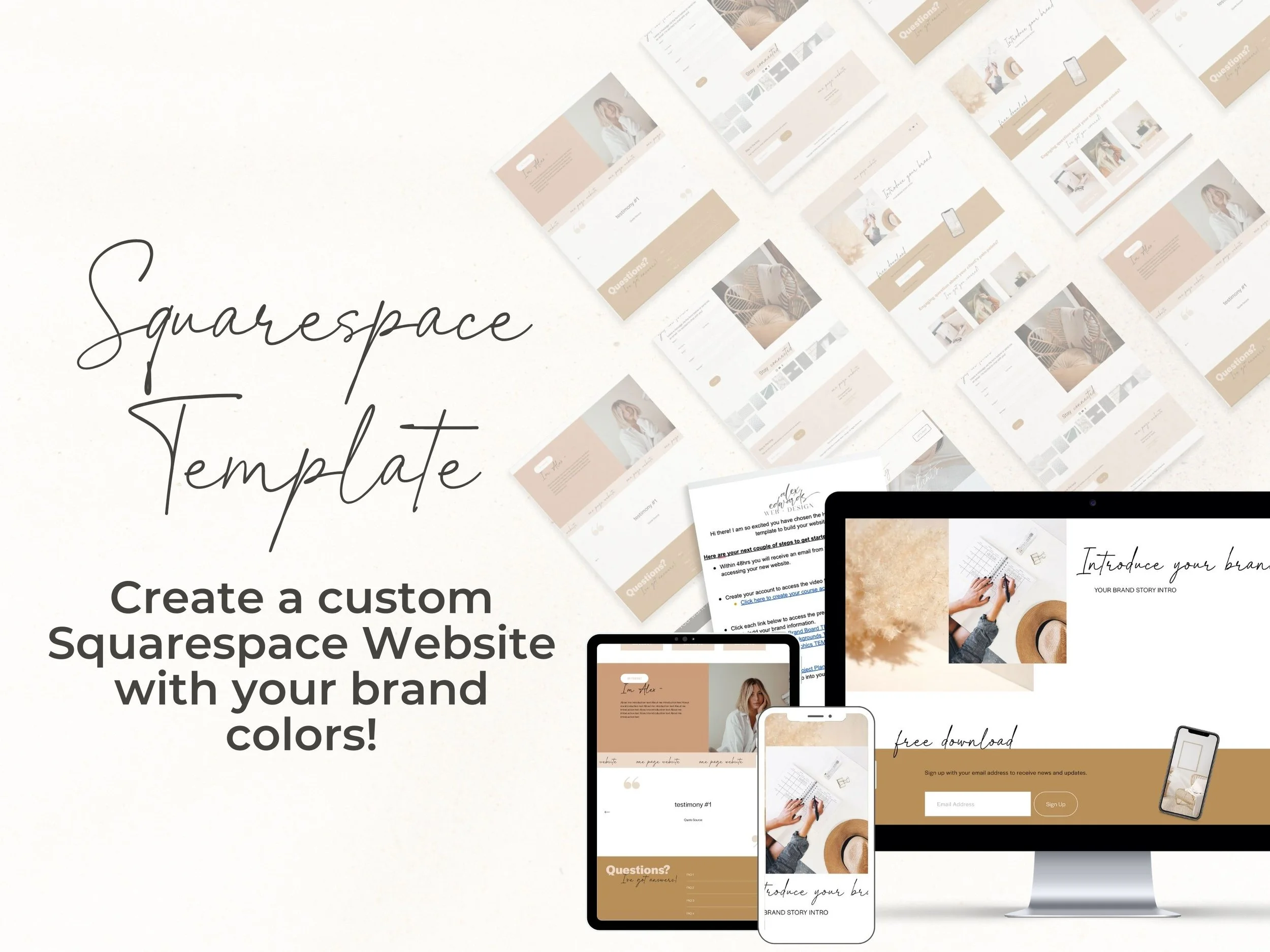
DIYer but need design help? Check out my NEWEST Squarespace website template available on my Etsy shop: One Page Website Squarespace template - a perfect one-page website design for online entrepreneurs & service providers!
Sources: Squarespace Circle Guides & Squarespace Support Guides
♡ Alex E.